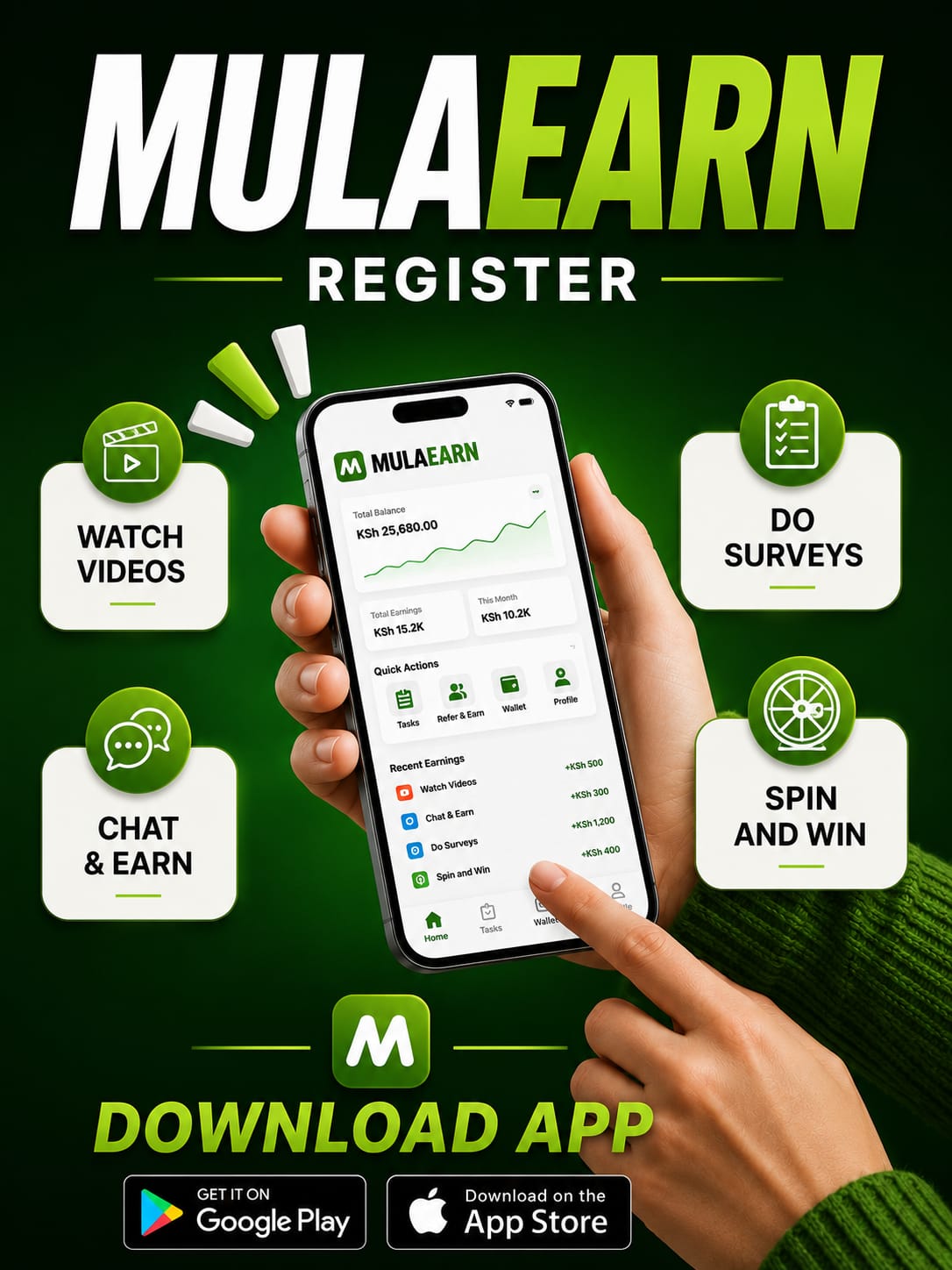
Creating a MulaEarn account is quick and easy. Follow the steps below to register successfully and start exploring the opportunities available on the platform.
Step 1: Open the MulaEarn Registration Page
Visit the official MulaEarn website or app and click the Sign Up or Register button.
Step 2: Enter Your Username
Choose a unique username that you will use to identify your account. Make sure it is easy to remember and follows the platform’s username requirements.
Step 3: Enter Your Full Name
Type your full legal name as requested. Ensure the spelling is correct, especially if the platform requires identity verification for withdrawals or account recovery.
Step 4: Enter Your Email Address
Provide a valid email address that you can access. This may be used for account verification, password recovery, and important notifications.
Step 5: Enter Your Mobile Phone Number
Input your active mobile phone number, including the correct country code if required. Double-check the number before proceeding.
Step 6: Create a Strong Password
Choose a secure password that includes:
- At least 8 characters
- Uppercase and lowercase letters
- Numbers
- Special characters (if supported)
Avoid using easy-to-guess passwords such as your name or date of birth.
Step 7: Confirm Your Password
Re-enter the same password to ensure there are no typing errors.
Step 8: Enter a Referral Code (Optional)
If you were invited by an existing member, enter their referral code in the referral field. If you do not have one, leave the field blank if it is optional.
Step 9: Accept the Terms and Conditions
Read the platform’s Terms and Conditions and Privacy Policy, then tick the checkbox to confirm your agreement.
Step 10: Click the Register Button
Review all the information you entered. If everything is correct, click Register or Create Account.
Step 11: Verify Your Account
If MulaEarn requires verification, check your email or SMS for a verification code or link. Complete the verification process to activate your account.
Step 12: Log In to Your Account
After registration is complete, return to the login page and enter:
- Your username or email address
- Your password
Click Login to access your MulaEarn dashboard.
What to Do After Registering
Once you have successfully registered, you can:
- Complete your profile.
- Explore the earning opportunities available on the platform.
- Participate in eligible activities.
- Invite friends using your referral link if a referral program is available.
- Track your account activity and earnings from your dashboard.
- Request withdrawals when you meet the platform’s requirements.
Registration Tips
- Use accurate personal information.
- Keep your password private.
- Save your login details in a secure place.
- Use an active email address and phone number.
- Read the platform’s rules before participating in any earning activities.
Registering correctly helps ensure a smooth experience and makes it easier to access the features and services offered by MulaEarn.